The Cognitive Load Problem With Financial Terminals (and How We Solved It)
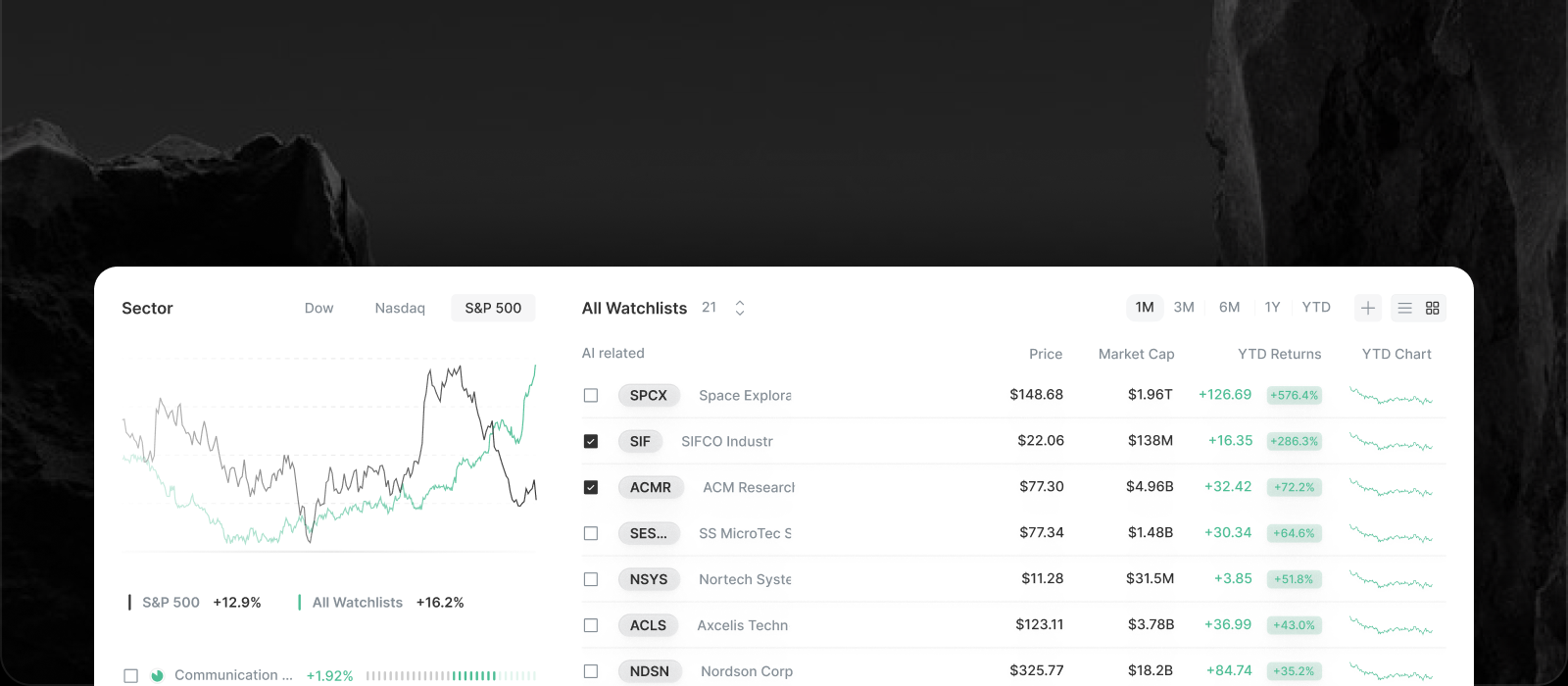

There is a story the financial software world tells about itself.
Serious tools are dense, dense tools are powerful, and anyone overwhelmed simply has not put in the hours.
We would like to push back on that story, respectfully.
The Cognitive Load Problem in Financial Software
Cognitive load is the amount of mental effort a screen demands before you can do anything useful.
In research, that effort is not neutral.
Every second spent working out where a number lives or what a panel means is a second not spent on the question you came with.
A firehose of data, however complete, makes you do the sorting.
Density Is Not the Same as Depth
Depth is how much a tool knows.
Density is how much it shows at once.
The two are easy to confuse because most terminals have both, but they are separate choices.
You can have all of the depth and none of the clutter, as long as you decide what belongs on the surface and what belongs one step down.
How We Organize Terminal-Level Data Without the Overload
Insighthread covers more than 6,000 US companies, with financial history going back to 1985 for long-listed names.
None of it sits on one screen.
On a company profile, Financials holds key stats, all stats, segmentation, the balance sheet, the income statement and cash flow.
IR holds SEC filings, slides and earnings call transcripts.
Forecast is its own view.
Each lives in its own place and appears when you go looking for it.
Inside the statements, you can select line items and open a comparison graph on top of the table, then close it and carry on.
The detail is there on demand, not by default.
What Professionals Gain From a Calmer Interface
It is tempting to think clarity is a courtesy for beginners.
We would argue professionals benefit just as much.
An analyst scanning a name before a call wants the answer to "where is the thing I need" to be obvious, every time, without relearning a layout.
Nobody has ever wished their tool made them think harder about navigation.
That is also why we do not split the product into a beginner version and a pro version, which we cover in One Interface, No Mode Switching.
Less Hunting, More Reading
When structure carries the load, attention goes where it should: the filing, the transcript, the number that changed.
Feed rows are tagged by what they are, such as news category, form type or earnings call, so you can scan before you read.
The assistant helps too, since the AI chat opens already knowing which company or document you are on.
The broader philosophy is in The Design Philosophy Behind Insighthread.
Judge a Financial Terminal by How Fast You Find Things
The test is simple.
Pick a question you actually have, such as how a company's cash flow changed or what its latest filing said, and time how long it takes to find the answer.
If a tool needs a manual for that, the density is working against you.
You can run the test free for 7 days, then Insighthread is $30 a month or $300 a year, on the pricing page.